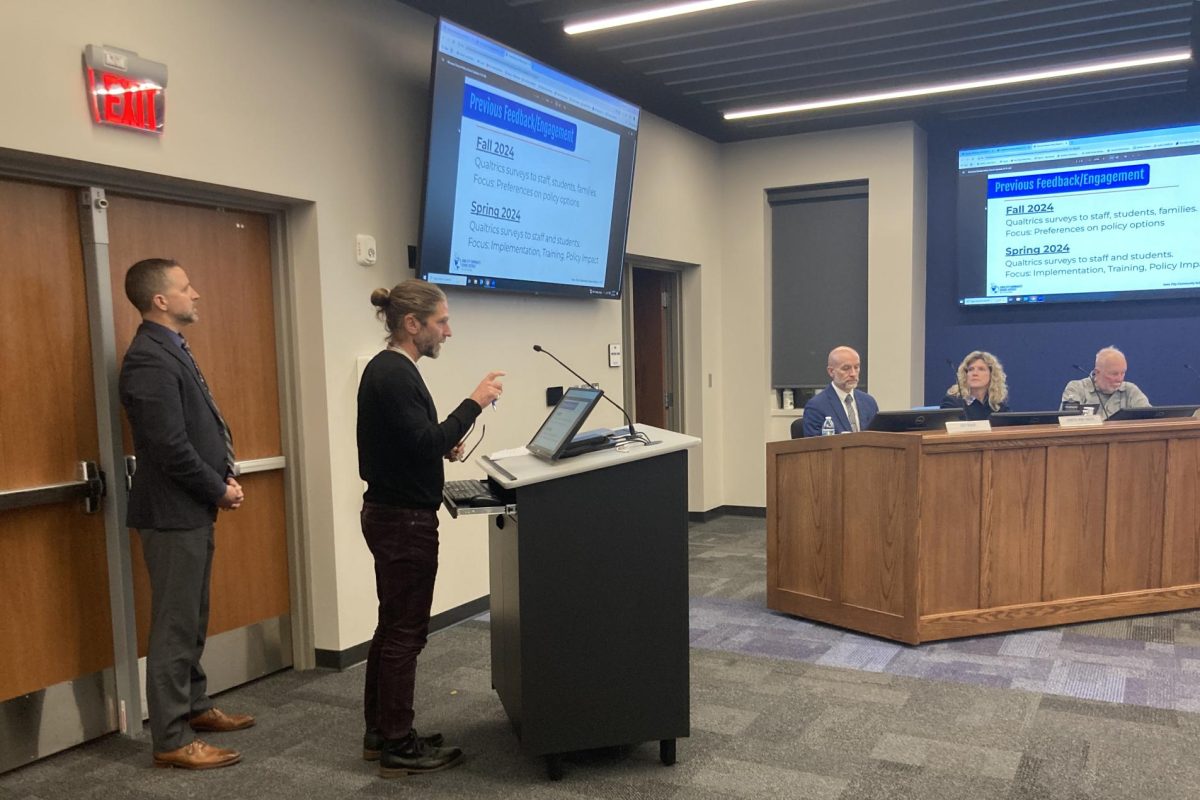































On Sept. 17, 2025, West High expanded technology rules to prohibit the use of personal devices — including laptops and tablets — during instructional time. This policy limits classroom use to district-issued Chromebooks, a change district communication said would promote consistency, security and equal access to learning tools. The district’s Chromebooks run the school’s instructional software, Securly, a classroom-management and filtering system that lets teachers view screens, close tabs and lock devices, making it easier to maintain student focus.
The new restrictions mean West High students who prefer their own devices must now adjust, including Maggie Nguyen ’28, who considers the new policy a disadvantage.
“I take my iPad to school for notes because I can have all my notes in one place,” Nguyen said. “It’s a lot more convenient for me, especially since I’m on the swim team. I can take my iPad whenever I go to meet[s] and do my homework.”
For students like Vanessa Oxenford ’26, who already built their routines around the district Chromebook, the new rules have caused little disruption.
“I do have an iPad that I use for drawing, but my art teacher lets me use it,” Oxenford said. “Other than that, I’m kind of upset for my friends who use at-home [devices], but at the same time, I can see why some kids need [the policy]. I just don’t like the fact that we sink or swim together.”
While she isn’t directly affected, Oxenford has opinions on the policy and leans toward supporting the change. “It’ll help [academically] because kids won’t be as distracted with games on their computer,” she said, “but [admin also isn’t] banning game websites on the school computers.”
Administrators, however, stress that the policy isn’t meant to punish students but standardize classroom technology after a major district investment. At West High, Principal Mitch Gross said he supported the decision from the start.
“The district has spent a lot of money on brand new technology for students,” Gross said. “We spent a significant amount on software loaded on Securly. When you do AP exams, they need to be just on your Chromebook, so we also want students getting used to those devices.
While some students worry about losing access to their preferred devices for classes like art or journalism, administrators say the intent isn’t to block learning opportunities. The district allows for flexibility if certain tasks truly can’t be done on Chromebooks.
“If there’s something a student needs that is on their personal device that they absolutely cannot access or utilize, then we would absolutely have that conversation,” Gross said.
Even with those exceptions, Gross said the district’s expectation is that students use the technology provided. Administrators designed the policy to establish equity, maintain consistency and ensure classrooms rely on the tools the district has purchased.
“I have yet to hear a compelling reason, or argument, why a student can’t use this school-issued device,” Gross said. “This isn’t about being rigid. This is to create a sense of equity in our building and utilize the software our district purchase[s] and that that teachers have asked [for] and to also ensure compliance with district policy and state laws.”